Sunday, 16 August
Slow start, then the afternoon opened.
Book the hotel near Gràcia
hotel: 180
A calm notebook for Mac and iPhone.
Every day is a page, and days can pass notes to each other.
Daily active1K users
Downloaded10K+ times
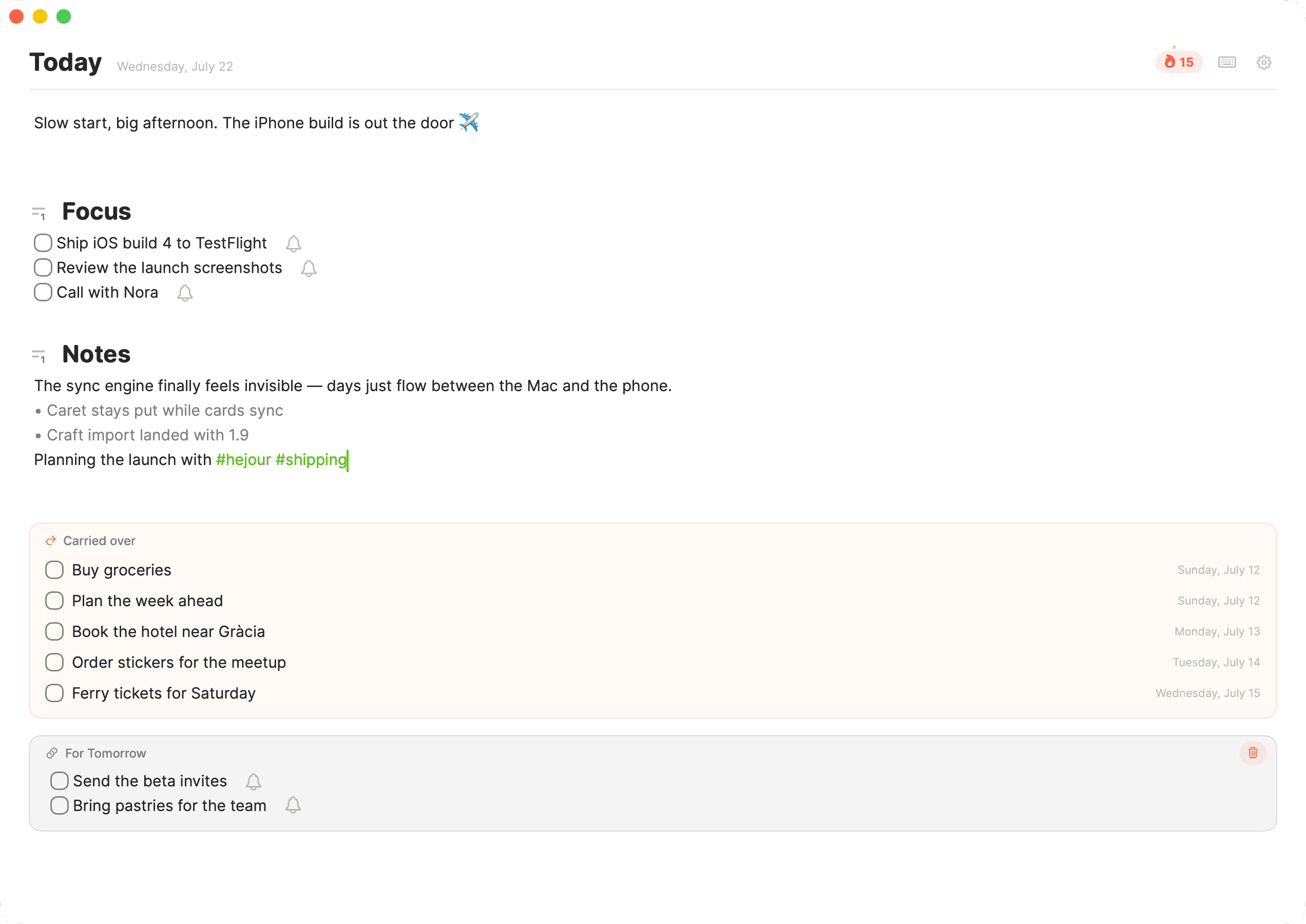
An @ opens a little day menu right where your caret is. Choose tomorrow, next Monday, or any date — a section opens for it without leaving today's page.
What you write shows up on both pages at once: “For Tomorrow” here, “From Today” over there. Edit it from either side — it's the same note, never a copy.
Jot “pick up the cake” onto Friday while it's still Tuesday. Friday arrives and there it is, already on the page — nothing to move, nothing to remember.
Today's events sit right above your note — standup, lunch, the evening review. You write around your day instead of guessing at it.
One click drops the event's time and title in as a heading, with the caret waiting underneath — meeting notes ready before it even starts.
Hejour only reads the calendars you choose. Nothing is written back, nothing is uploaded — your schedule never leaves your machine.
Two brackets turn any line into a todo. Hit return to keep the list going; tick one and it strikes through — the small, satisfying kind of done.
Anything you didn't finish rolls onto today with the day it came from. Check it off here and it completes back in its original note, too.
Type “call the dentist 15:00” and Hejour offers to remind you. Your Mac pings at the right moment; check it off and it goes quiet.
The first words of the day catch the flame in the header. It counts the days you've shown up — a quiet nudge to open Hejour tomorrow, too.
Click the flame for a calendar of your writing — best streak, current streak, and a dot for every day you left a mark.
Miss a single day and the streak holds — no guilt, no starting over. It's here to keep you writing, not to punish a busy Tuesday.

Start on Free and upgrade only when a Pro feature earns its place.
Download for MacToday's page moves with you — through the Apple account you already own. No Hejour login. No server of ours in the middle.
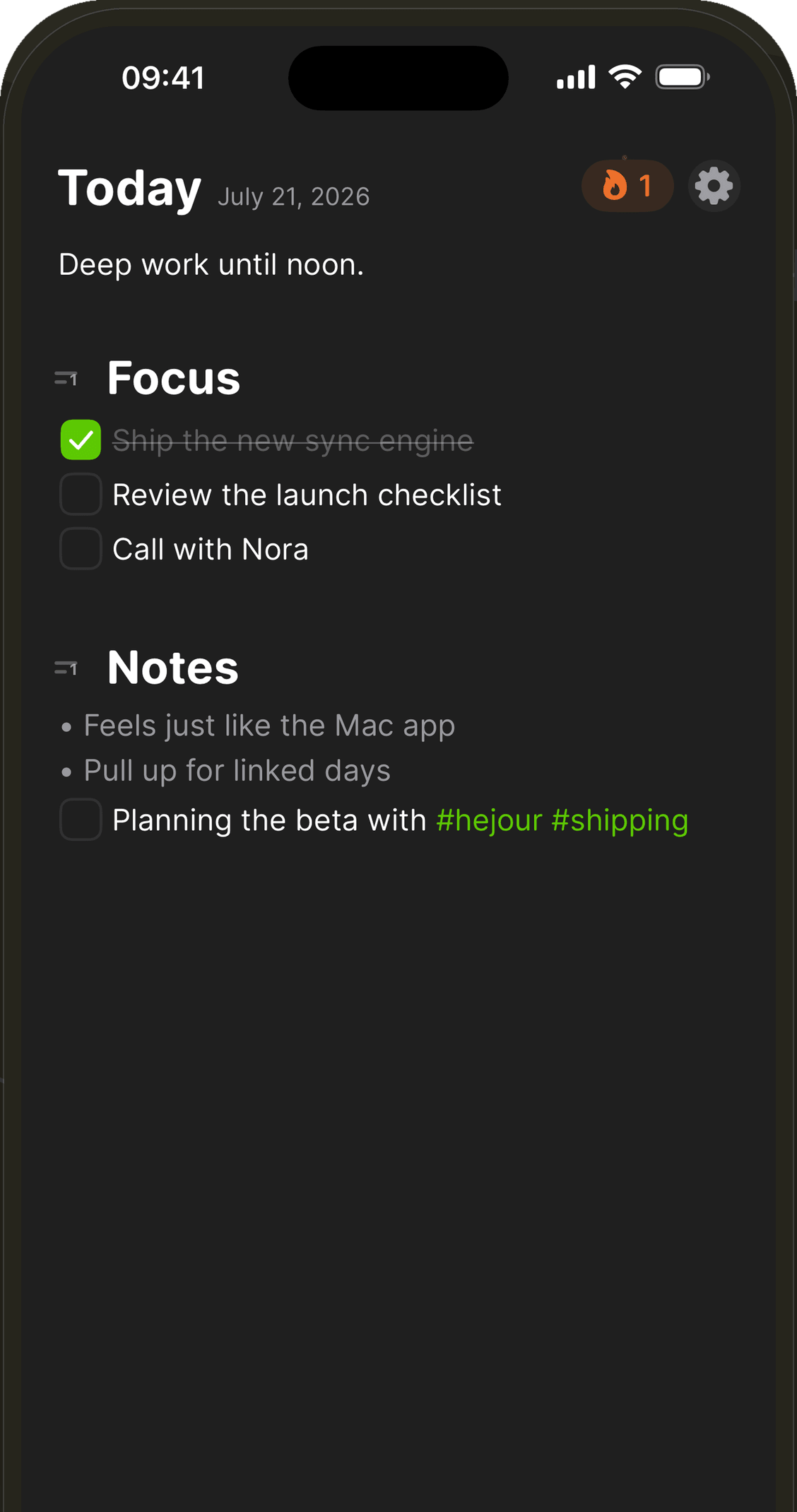
Every day is a page. Leave a thought for tomorrow, carry a task forward, and keep the rest where it happened.
Slow start, then the afternoon opened.
Book the hotel near Gràcia
hotel: 180
Calendar
10:00Design review
Book the hotel near Gràcia
lunch: 12
hotel + lunch = 192
Catch up in [[Launch notes]]
For Tomorrow
Ask Nora about the ferry.
Coffee with Deniz ran long —
From Today
Ask Nora about the ferry.
Still in [[Launch notes]]
Plain files, on this Mac.
File ▸ Import moves you in — every note lands on its day, a backup is taken first, and importing twice never duplicates.
 Apple Notes
No export needed — Hejour asks the Notes app directly
Every note lands on the day it was created
Folders don't matter; days do. Locked notes stay locked
And your days stay yours — export everything back as Markdown, anytime.
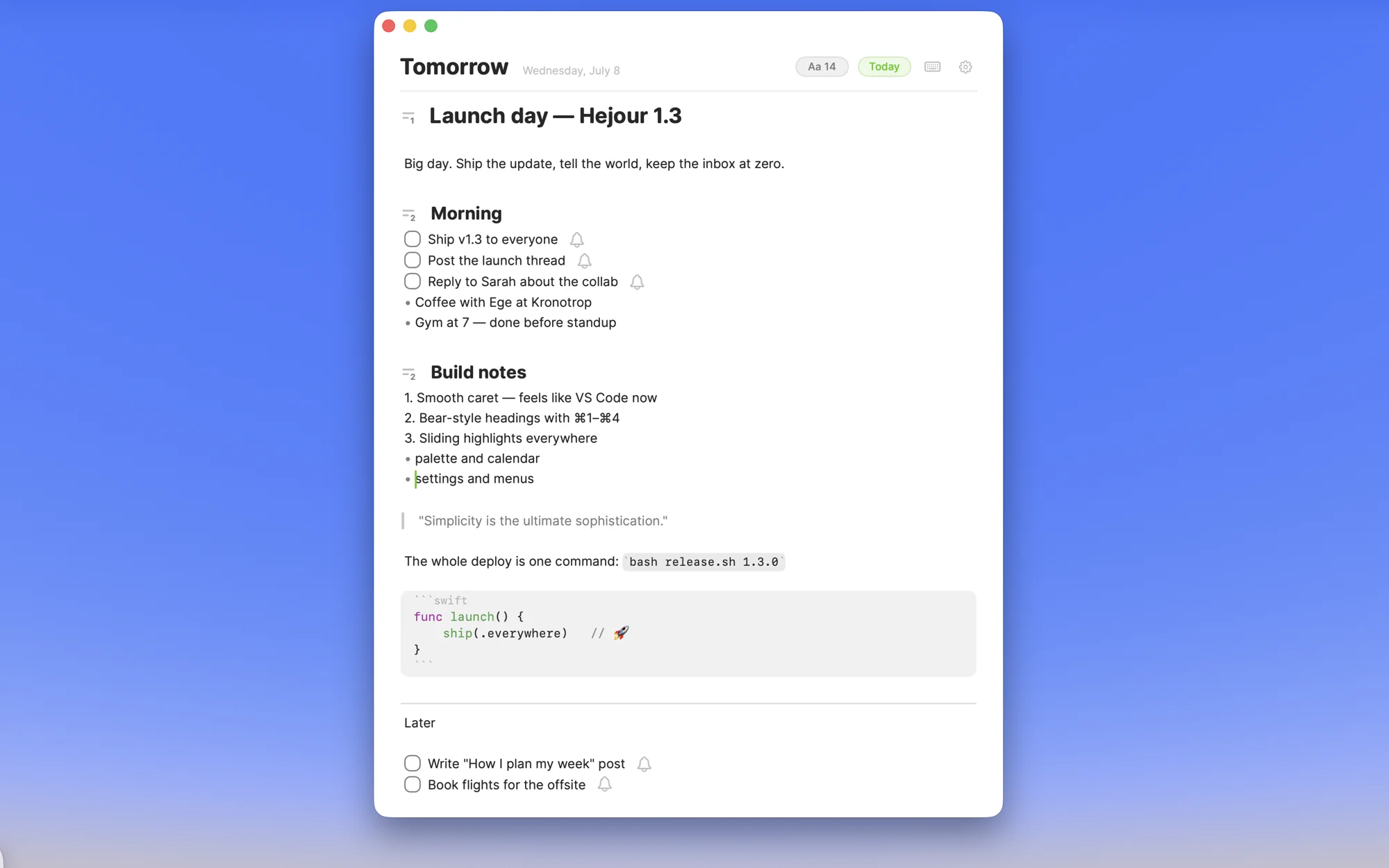
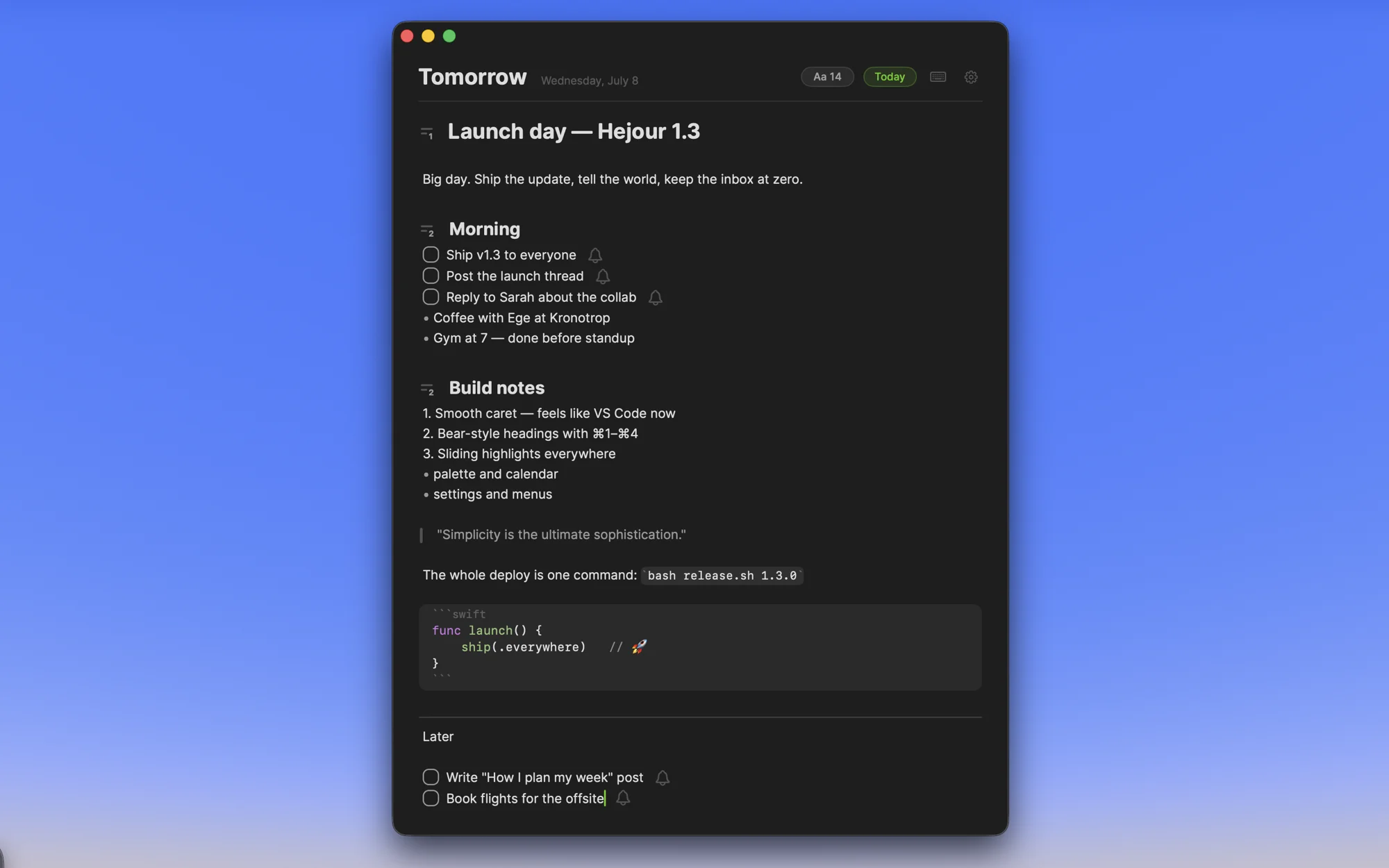

Notes are plain files in a folder you can open. Markdown you can read without Hejour, locked with Touch ID if you want.
Turn on sync and the same days move with you — only through the Apple account you already own. Nothing of ours in the middle.
No account. No upload. Hejour never sees your notes, because they never leave the machines you already trust.
Mentioned by
Free has no time limit. Upgrade once when Pro earns its place.
Use it for as long as you like. No trial clock.
One payment unlocks Pro on Mac and iPhone.
Already purchased? Access your license →
Hejour is free to start — unlimited daily notes, todos, search, quick capture, imports, and the iPhone app with sync. Pro is a one-time $19: unlimited linked days, calendar on the page, sync across your Macs, images, code blocks, routines, Vim mode and more. Pay once, keep it forever — no subscription.
Yes. A single $19 Pro purchase unlocks the Pro features on your Mac and iPhone. It is not a subscription, and your license includes lifetime updates.
Completely. Hejour has no servers and no accounts. Notes live on your Mac — optionally synced through your own iCloud Drive — and their content is never read or sent anywhere.
Yes — File ▸ Import moves you in from Apple Notes, Craft, Obsidian, Logseq, NotePlan, Bear or Day One. Every note lands on the day it belongs to, a backup is taken first, and importing twice never duplicates.
In a plain folder: one small file per day, plus your images. Local by default, or in iCloud Drive/Hejour if you enable sync in Settings. And you can export everything as Markdown, anytime.
Yes — releases are notarized by Apple and delivered in-app via Sparkle. You'll get a quiet prompt when a new version ships.
Everything is unlocked on your first day, with no card or account required. After that, Hejour continues on the Free plan with no time limit. Upgrade only when you need a Pro feature.
Hejour targets recent macOS releases on Apple Silicon and Intel. Grab the latest DMG from GitHub Releases.
Free download, notarized by Apple. Upgrade when you're ready.